
Apps for Sailfish OS, built for your release
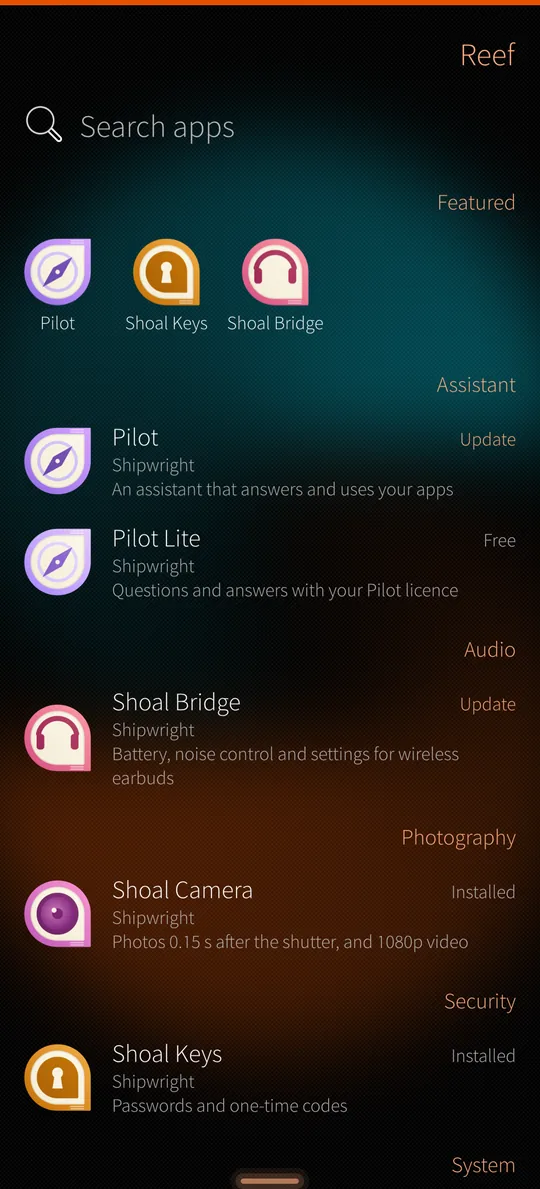
Reef installs and updates apps on Sailfish OS phones. It only offers builds made for the Sailfish release your phone runs, says which have been tested on a phone, and every package is signed.
Beta. Reef and the apps are tested on the Jolla Phone with Sailfish OS 5.2.0.18. Other phones and releases may have problems we have not seen yet: please tell us at hello@reefstore.app.
Keel, Reef and the Shoal apps
Sailfish apps are written with Silica, Jolla's interface toolkit. Silica still runs on Qt 5.6, released in 2016. The Qt project ended support for Qt 5 in 2023.
Keel runs Silica apps on Qt 6. Reef installs and updates them. The Shoal apps are Shipwright's own, built on Keel and installed with Reef.
How Reef works
Builds for your release
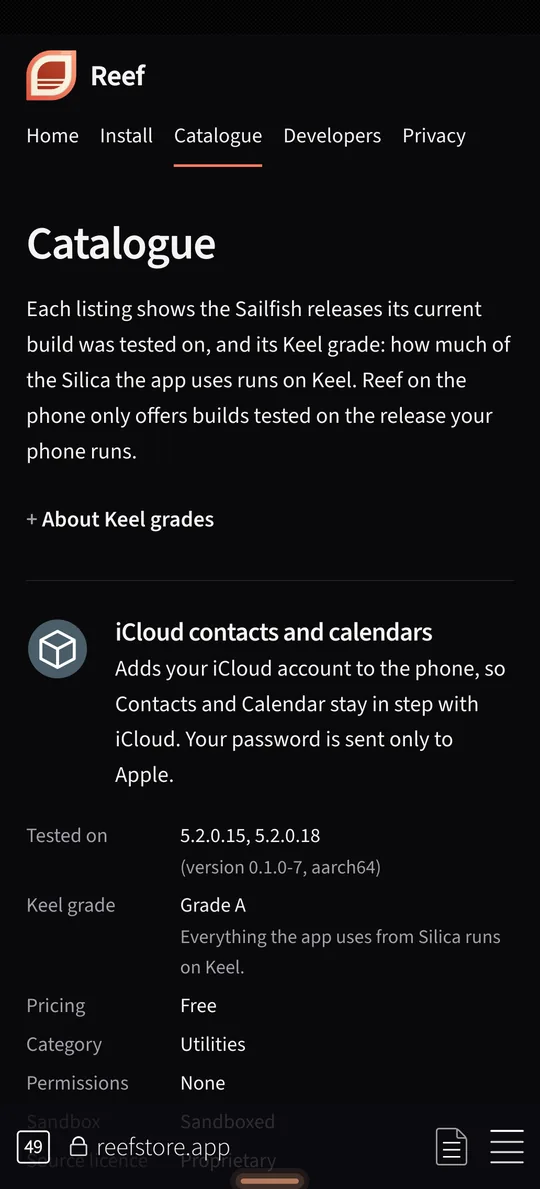
Each listing names the Sailfish releases its build was tested on, such as 5.2.0.18, and any it is built for but not yet tested on. Reef only offers builds made for the release your phone runs. After a Sailfish update it moves to the new release.
Signed packages
The repository index and every package are signed with the Reef key. Reef does not install a package that fails the check.
Keel grades
Each listing has a Keel grade. Grade A means everything the app uses from Silica runs on Keel. Every Shipwright app is grade A.
No account
You don't sign in to install apps. Paid apps are sold on shoalapps.com, and you can buy from the app's page in Reef. Reef adds the licence to your phone, and the app checks it offline. See paid apps.
Source licences
The installer and the Reef app are GPL-licensed. Keel is MIT-licensed. Their source, and that of Shoal Keys, Shoal Messages and the AirPods daemon, is at github.com/patrickjquinn/shipwright-open, tagged with each published package version.
Shipwright's apps

Pacific
A web browser on WPE WebKit 2.54. It blocks ads and trackers, rejects cookie banners and loads pages over HTTPS first.
Free

Shoal Camera
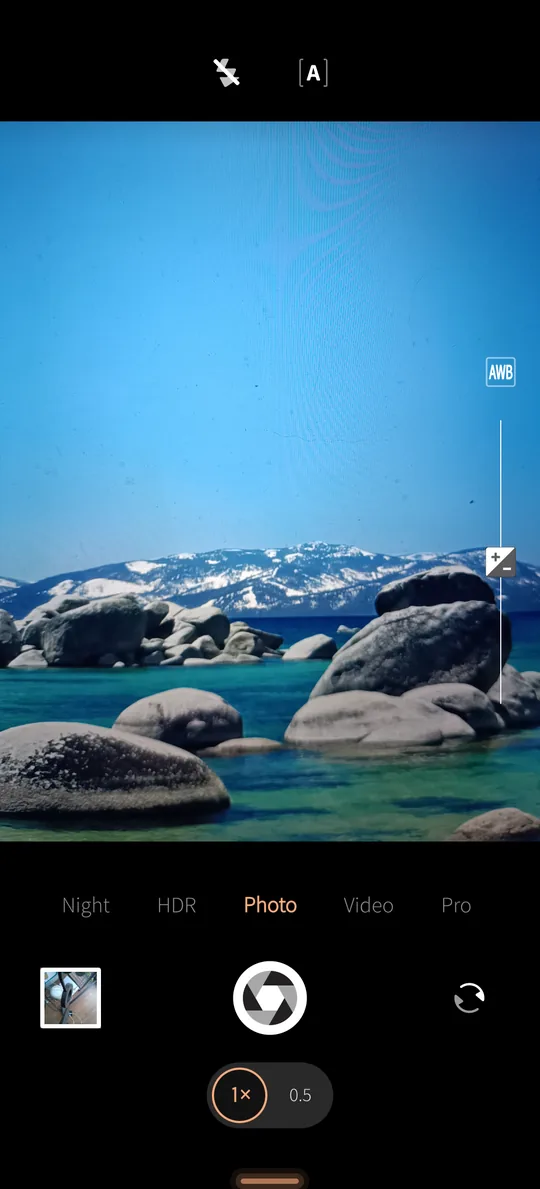
Takes the photo 0.15 s after you press the shutter. Night, HDR and pro modes, RAW photos in pro mode, and 1080p video with stereo sound.
Free

Shoal Keys
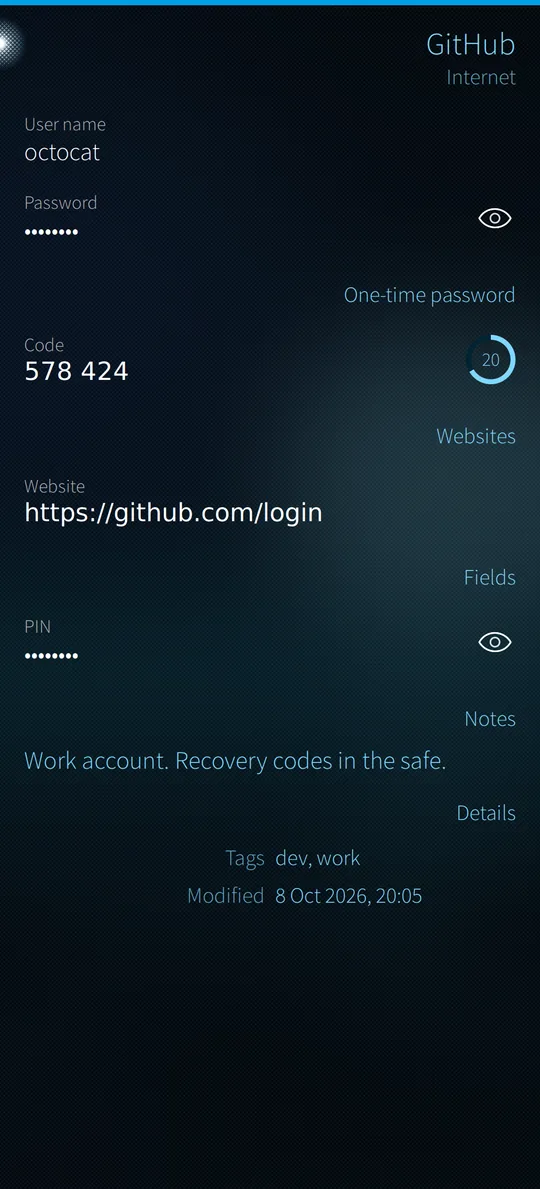
Passwords and one-time codes in a KeePass vault that stays on the phone.
Free

Shoal Bridge
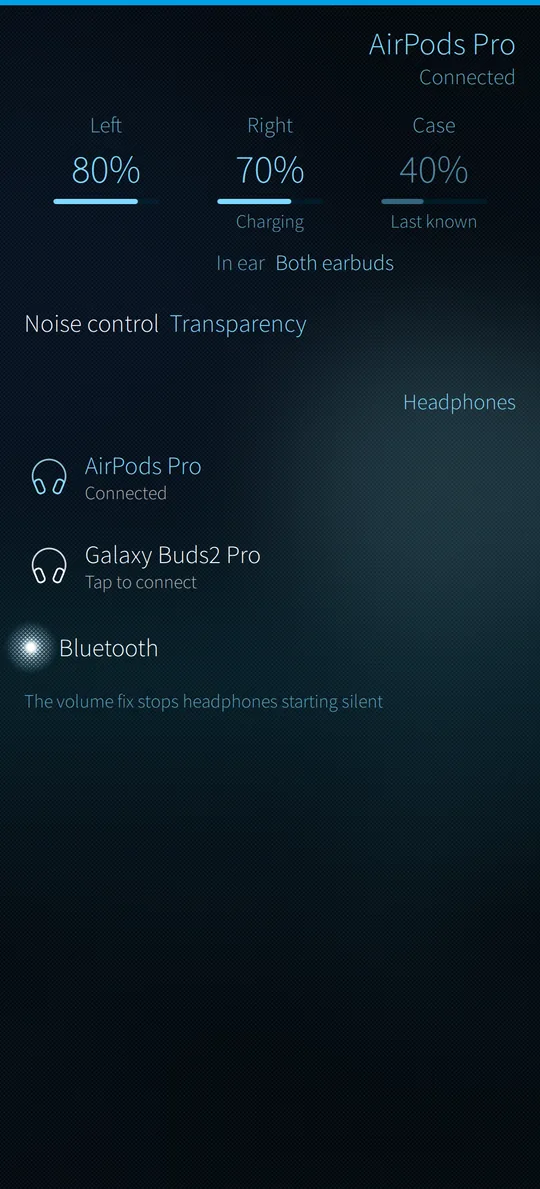
Battery levels, noise control and ear detection for AirPods. It also fixes their volume control on Sailfish. It installs a background service that talks to your earbuds over Bluetooth; it looks for Bluetooth devices only while the app is open, and goes when you remove the app.
Free

Shoal Migrate
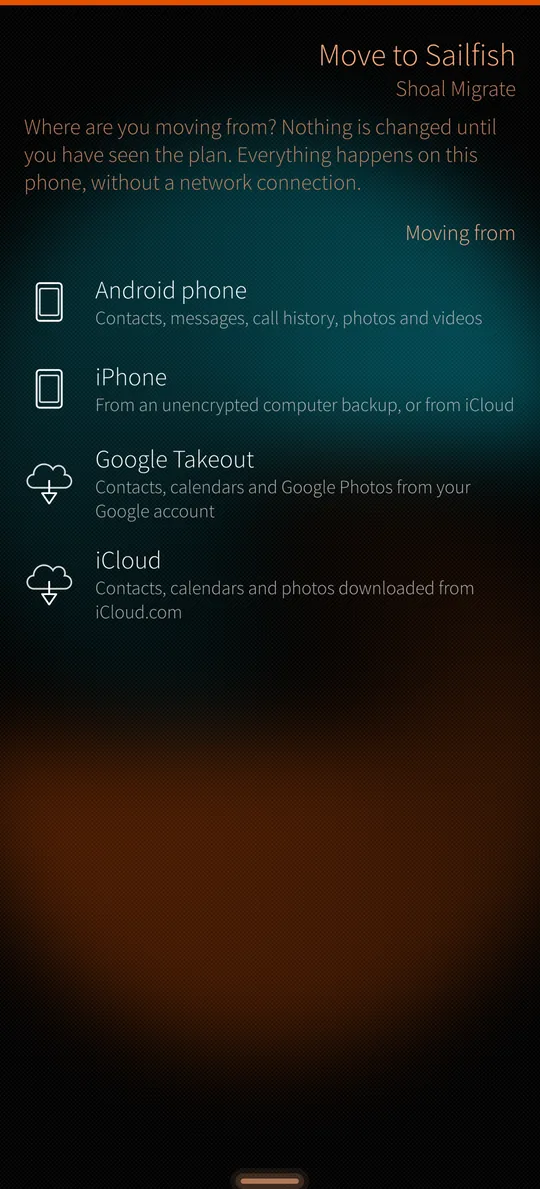
Moves contacts, calendars, messages, call history and photos from Android or an iPhone, and merges messages and calls from another Sailfish OS phone. It shows you the plan before it changes anything.
Free

Shoal Messages
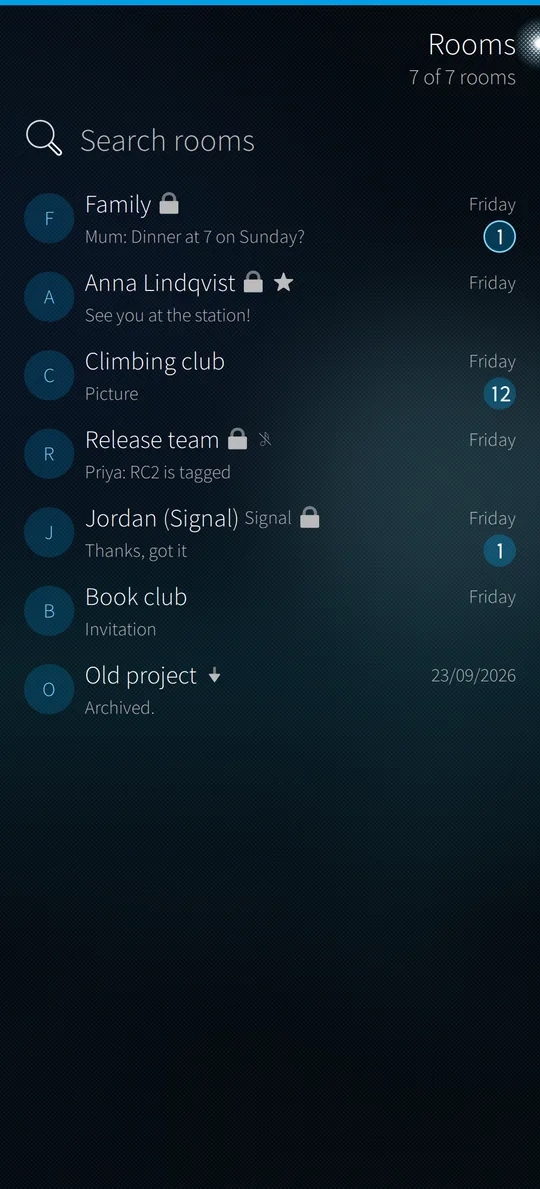
Matrix messaging, with your Signal and Telegram chats bridged in. Notifications while it is closed use the Shoal Push service, installed with it; it runs only if you switch push on.
Free beta, by invitation

Pilot
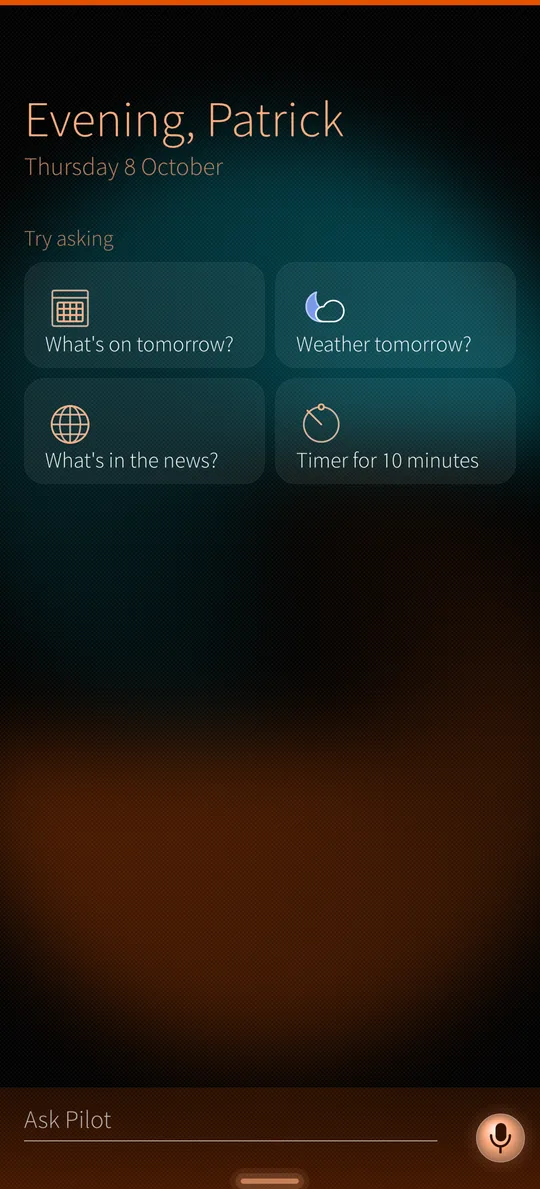
An assistant on the phone. It answers questions, uses your apps and talks back. It asks before anything leaves the phone.
The screenshots are of the current builds, with sample data. Tap one to see it full size.
Pacific, the browser
Pacific is a free web browser for Sailfish OS. It runs WPE WebKit 2.54, a current engine, built for your phone's processor; the stock Sailfish browser runs Gecko ESR91 on Sailfish OS 5.1 and ESR115 on 5.2. Its interface is Silica, on Keel and Qt 6.
Speed
On an Xperia 10 II, Pacific scores 28.7 in Speedometer 2.1, the stock browser 15.3. In Speedometer 3.1 the stock browser stops partway; Pacific finishes.
Blocking
Ads and trackers are blocked with standard filter lists, such as EasyList and EasyPrivacy. Cookie banners are answered with "reject all".
Connections
Pages load over HTTPS first. Every request sends the Global Privacy Control signal.
Reading
Reader mode, and spell checking in at least 12 languages. Finnish uses Voikko.
Tabs and history
Tabs you are not using are unloaded to save memory and reload when you open them. History is searchable.
Pilot
Pilot can open, read and fill in pages through MCP (Model Context Protocol). It asks you before it taps, fills in or submits anything.
The Reef, on Discord
Ask for help, test new builds before they ship, show what you've built with Keel, and tell us what to build next.
Installing takes four steps on the phone and about two minutes. You don't need developer mode.
Install Reef